Understanding Mechanical Switch Types for Typists
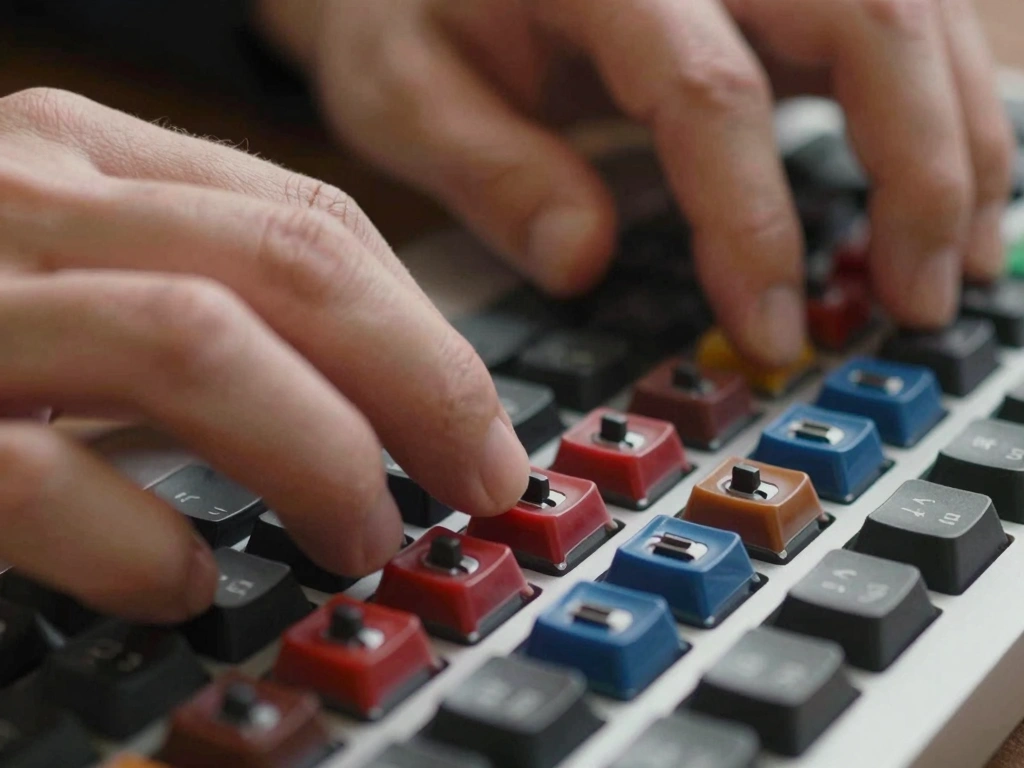
Mechanical keyboards have surged in popularity among typists, gamers, and computer enthusiasts alike. At the heart of these keyboards are mechanical switches, which come in various types, each designed to cater to different preferences and needs. Understanding these switch types is crucial for achieving an optimal typing experience.
Linear Switches: Smooth and Silent
Linear switches are characterized by their smooth keystrokes without any tactile bump or audible click. This type of switch is often preferred by typists who favor a quieter typing experience and swift key presses. A prominent example of a linear switch is the Cherry MX Red, which requires an actuation force of 45g and has a total travel distance of 4mm. Many typists appreciate linear switches for their uninterrupted travel, making them ideal for long typing sessions. The absence of tactile feedback allows for faster key presses, which can enhance typing speed. However, some users might find the lack of feedback challenging when trying to gauge key actuation.
Tactile Switches: Feedback and Feel
Tactile switches provide a noticeable bump at the actuation point, giving typists feedback on when a key has been activated. This feedback can be beneficial for touch typists, as it helps them avoid bottoming out the keys. A popular tactile switch is the Cherry MX Brown, which also requires a 45g actuation force but has a more pronounced feel due to its tactile bump. Typists who prefer a balance between smooth keystrokes and feedback often gravitate toward tactile switches. The tactile response can enhance typing accuracy, especially for those who rely on muscle memory. This type of switch is also relatively quiet, making it suitable for shared workspaces.
Clicky Switches: Auditory and Physical Feedback
Clicky switches combine tactile feedback with an audible click sound when the key is actuated. This feature appeals to many typists who enjoy the auditory confirmation of their actions. The Cherry MX Blue switch is a well-known clicky switch, requiring an actuation force of 50g and offering a total travel distance of 4mm. The distinct sound and feel of clicky switches can enhance the typing experience, making it feel more engaging. However, the noise level can be a drawback in quiet environments or shared spaces, where the click sound might be disruptive to others. Many typists enjoy the nostalgia associated with clicky switches, reminiscent of typewriters.
Key Characteristics Impacting Typing Experience
When selecting mechanical switches for typing, several key characteristics can significantly impact the overall experience.
Actuation Force: Weight Matters
The actuation force is the amount of force required to press a key down to the actuation point. Switches typically range from 35g to 70g in actuation force. For instance, lighter switches like Cherry MX Red require less force, making them easier to press and suitable for rapid typing. Conversely, heavier switches like Cherry MX Black, with an actuation force of 60g, might be preferred by those who want more resistance. Choosing the right actuation force is a personal preference; too light might lead to accidental key presses, while too heavy can cause fatigue during extended typing sessions.
Travel Distance: Short vs. Long
The travel distance of a key refers to how far it must be pressed before it registers a keystroke. Most mechanical switches have a travel distance of around 4mm. However, some switches, like the Cherry MX Speed (Silver), have a shorter travel distance of 3.4mm, allowing for quicker actuation and potentially faster typing speeds. Shorter travel distances can be advantageous for typists who prioritize speed, while longer travel distances might be preferred by those who enjoy a more deliberate typing style.
Durability: Lifespan of Switches
Mechanical switches are renowned for their durability, typically rated for 50 million keystrokes or more. For example, Cherry MX switches are known for their longevity, making them a reliable choice for heavy typists. However, some budget switches may have lower durability ratings, which could be a concern for users who type extensively. Durability not only impacts the lifespan of the keyboard but also the consistency of the typing experience over time. A switch that wears out quickly may lead to inconsistent keystrokes and could ultimately affect typing performance.
Comparative Analysis of Popular Switch Brands
While there are numerous switch manufacturers, three brands stand out for typists: Cherry MX, Gateron, and Kailh. Each offers a unique set of features and performance metrics.
Cherry MX: The Industry Standard
Cherry MX switches have established themselves as the industry standard, known for their reliability and variety. They offer a range of switches suited for different preferences—linear, tactile, and clicky. For typists, Cherry MX Brown offers a balanced experience with tactile feedback, while Cherry MX Red is favored for rapid key presses. The consistency and quality of Cherry MX switches make them a popular choice among professional typists and casual users alike.
Gateron: Budget-Friendly Alternatives
Gateron switches have gained popularity as budget-friendly alternatives to Cherry MX. They are known for their smooth keystrokes and are often seen as offering better smoothness than their Cherry counterparts. For example, Gateron Red switches are similar to Cherry MX Red but are often priced lower, making them accessible for those looking to save without sacrificing quality. Gateron also offers a variety of tactile and clicky switches, giving typists a range of options.
Kailh: Innovative Designs and Features
Kailh switches are known for their innovative designs and unique features, such as the Kailh Box switches, which are designed to be dust and water-resistant. Kailh offers a diverse selection of switches, catering to both typists and gamers. For typists, Kailh Brown switches provide a tactile experience similar to Cherry MX Brown but often at a lower price point. Additionally, Kailh Speed switches offer shorter actuation points, appealing to those who prioritize quick key presses.
Personal Preferences in Typing Feel
Selecting the right mechanical switch often boils down to personal preferences, including typing speed, comfort, and noise level.
Typing Speed: Which Switch Enhances Performance?
Typing speed can vary significantly depending on the switch type. Linear switches, due to their smooth travel, tend to facilitate faster typing speeds, making them popular among competitive typists. For those who prioritize accuracy, tactile switches like Cherry MX Brown can provide the necessary feedback to prevent errors. Clicky switches, while enjoyable for some, might slow down typing speed for others due to the need for deliberate key presses.
Comfort: Ergonomics of Different Switches
Typing comfort is an essential consideration, especially for long sessions. The weight of the switch, the travel distance, and the tactile feedback all contribute to how comfortable a switch feels during use. Users with a lighter touch may prefer linear switches, while those who enjoy feeling the actuation might favor tactile or clicky switches. Ergonomic keyboard designs, coupled with the right switch choice, can significantly enhance typing comfort.
Noise Level: Considerations for Shared Spaces
The noise level produced by mechanical switches is a crucial factor for those working in shared environments. Clicky switches, while satisfying to type on, can be disruptive in quiet offices or co-working spaces. Tactile and linear switches offer quieter alternatives, making them more suitable for environments where noise is a concern. Typists should consider their surroundings when choosing a switch type to ensure a pleasant experience for themselves and those around them.
Choosing the Right Mechanical Switch for Your Needs
Finding the perfect mechanical switch requires careful consideration and, ideally, some hands-on testing.
Testing Switches: How to Try Before You Buy
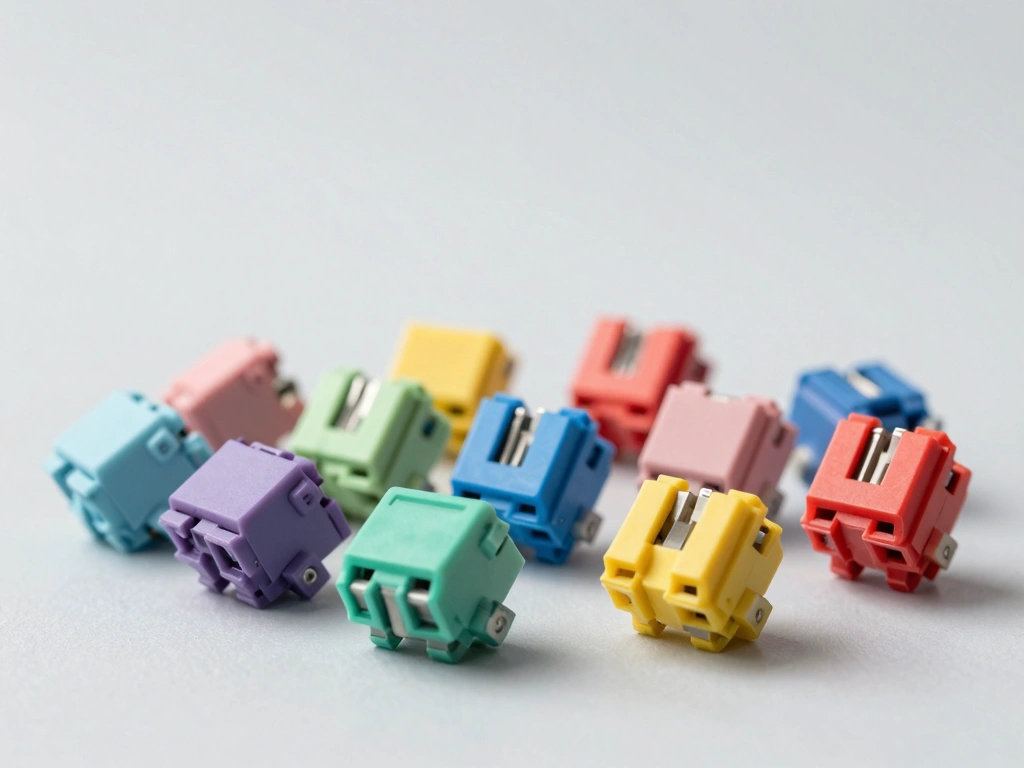
One of the best ways to determine which switch suits your typing style is to test them in person. Many keyboard retailers offer display boards with different switches, allowing users to try out various options. Additionally, some online retailers provide switch testers, which are small devices with multiple switches that allow users to sample the feel of different switches before making a purchase. This hands-on experience is invaluable for typists looking to find their perfect match.
Customization: Keycaps and Switch Modifications
Customization is a significant aspect of mechanical keyboards. Typists can enhance their typing experience by choosing keycaps that suit their preferences. Keycap materials, shapes, and profiles can all affect how a keyboard feels and sounds. Furthermore, some enthusiasts engage in switch modifications, such as lubrication or swapping springs, to fine-tune the switches’ feel. These modifications can lead to a more personalized typing experience, catering to specific needs and preferences.
Community Recommendations: Insights from Fellow Typists
Engaging with the mechanical keyboard community can provide valuable insights into choosing the right switch. Online forums, social media groups, and YouTube channels are filled with discussions, reviews, and recommendations from fellow typists. Learning from others’ experiences can help narrow down options and provide guidance on what to expect from different switch types. Additionally, community members often share tips on customization and modifications, further enriching the typing experience.